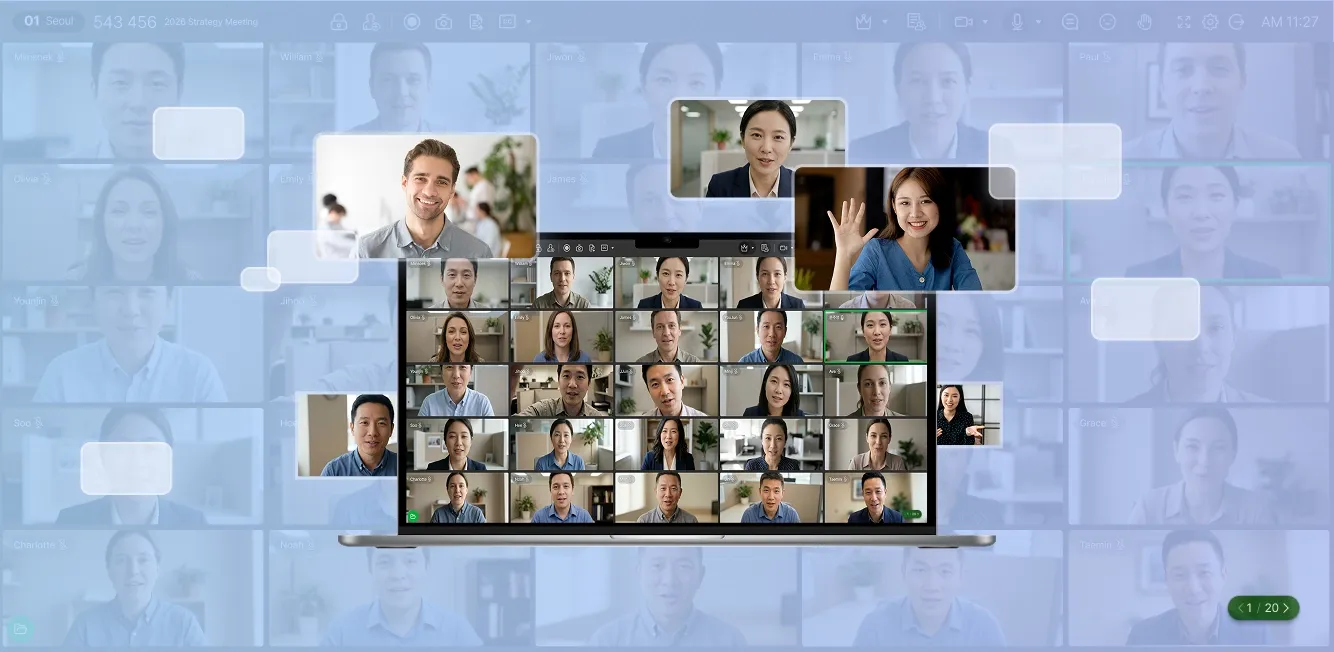
RemoteMeeting — AI Video
Conferencing Trusted by
Over 17,000 Companies

Work smarter with AI-powered collaboration.
Stay seamlessly connected anytime,
anywhere and make decisions faster.
Start for Free

AI-powered collaboration that
keeps you focused on the
meeting.

AI-powered live captions and translation for smarter meetingsAvailable Soon

AI converts speech into real-time captions and provides live translation.
Break language barriers and stay aligned without missing key points.
Available Soon

AI Minutes simplify post-meeting follow-ups

AI automatically records conversations and summarizes key insights.
Spend less time on repetitive follow-up tasks.

Keep meetings flowing with seamless sharing

Share any file instantly with a single click — no complex steps required.
Pre-upload files to a list and present them in order for a seamless meeting flow.

Sketch and share ideas with Whiteboard

Draw, write, and add images to the Whiteboard. View the Whiteboard
and participants on separate monitors.

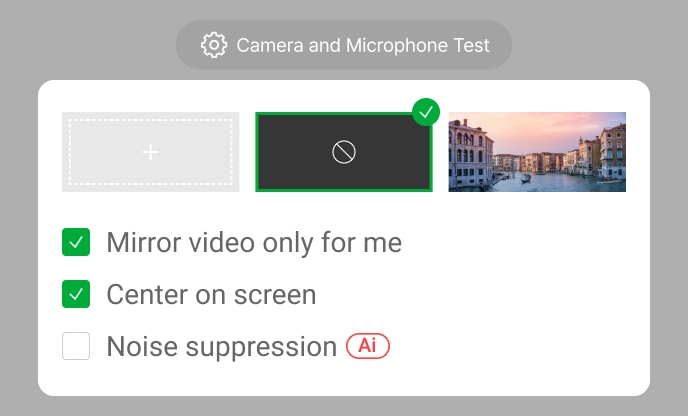
AI-powered noise cancellation and background settings

AI removes background noise and separates
the speaker from the background.

No installation. Start in 3 seconds.
Simplify every step of your
meetings.

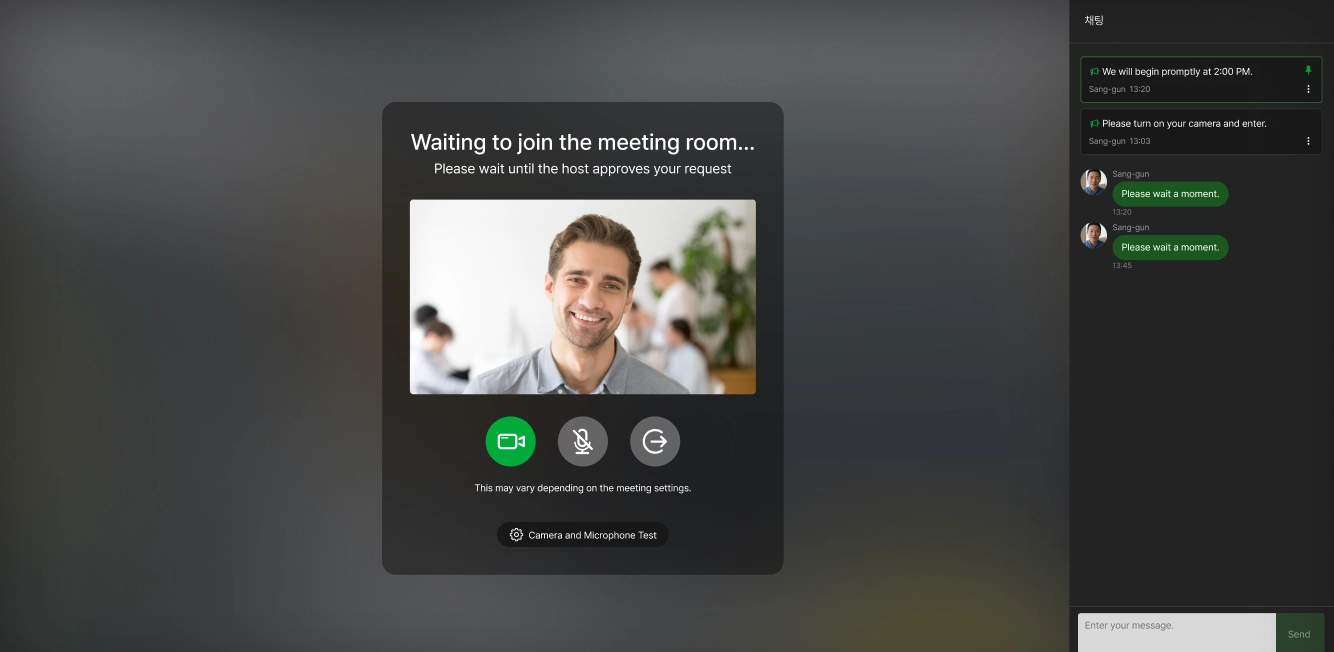
  • Browser-based Meetings

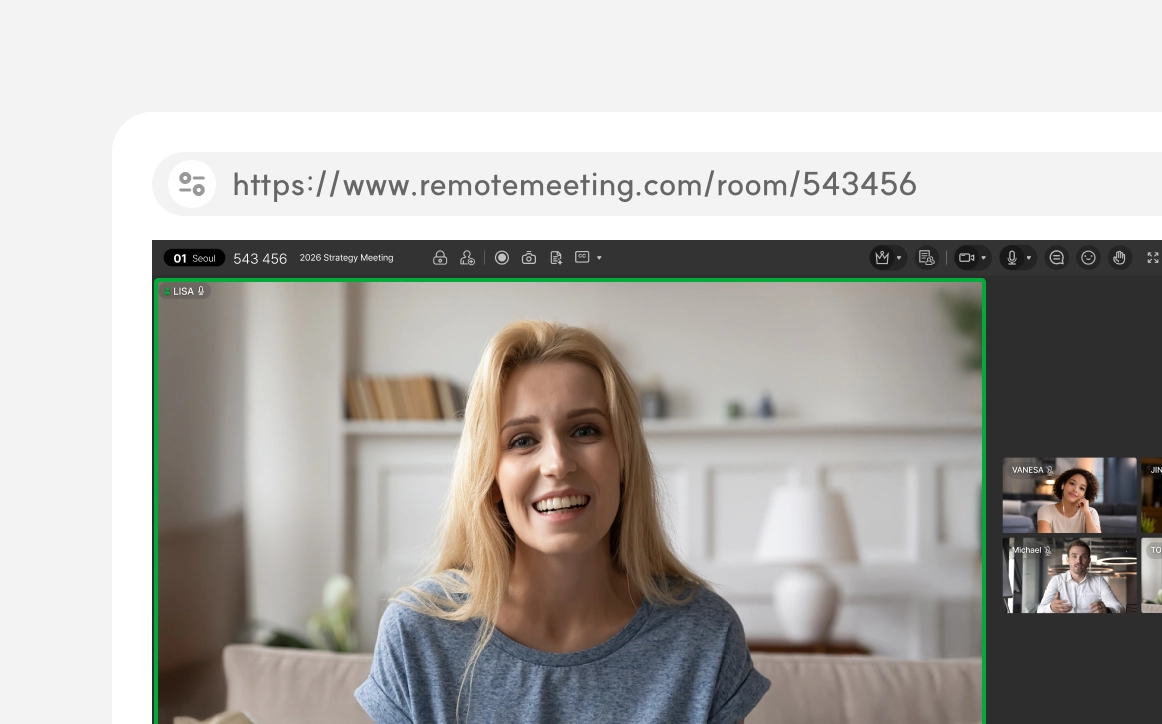
    Browser-based video conferencing interface Start meetings in your browser — no software
    installation required.
    Join meetings faster and easier with just one click.
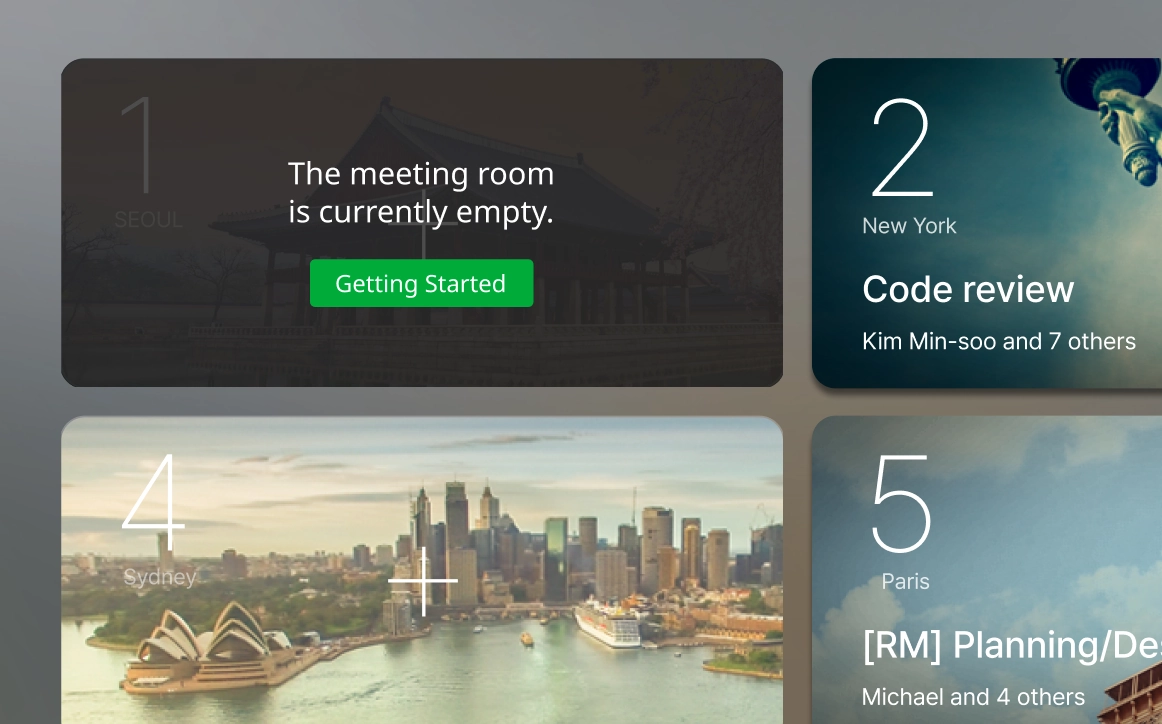
  • Patented Lounge

    Meeting room list in the Lounge Start meetings instantly from the RemoteMeeting
    Lounge. Choose a room in the Lounge — just like opening
    a door — and start right away.
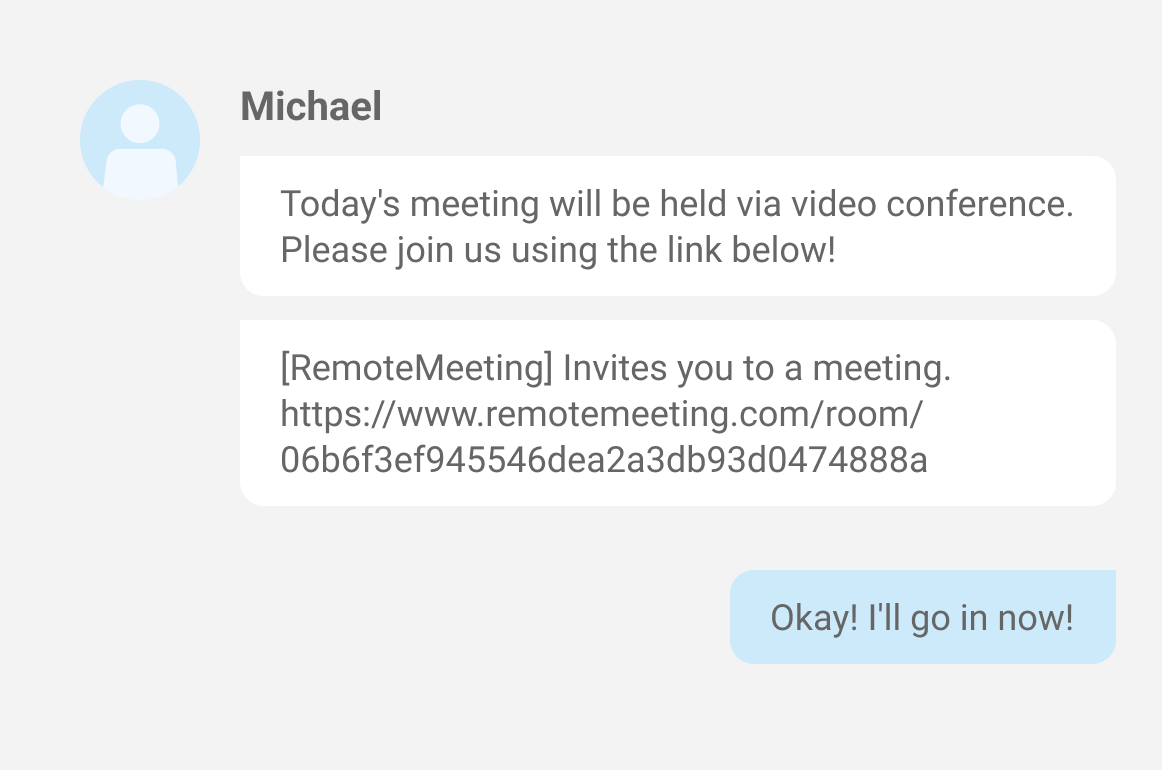
  • Easy Schedule Management

    Meeting scheduling dashboard Streamline recurring meetings for reduced preparation
    burden. Invite large groups faster and easier using
    meeting URLs, access codes, and email, or the Address
    feature.
Browser-based video conferencing interface

Complete language support
for a seamless experience.

Complete multilingual interface

Easy-to-use UX/UI

An intuitive interface with fully localized
menus and built-in tips helps anyone get
started quickly.
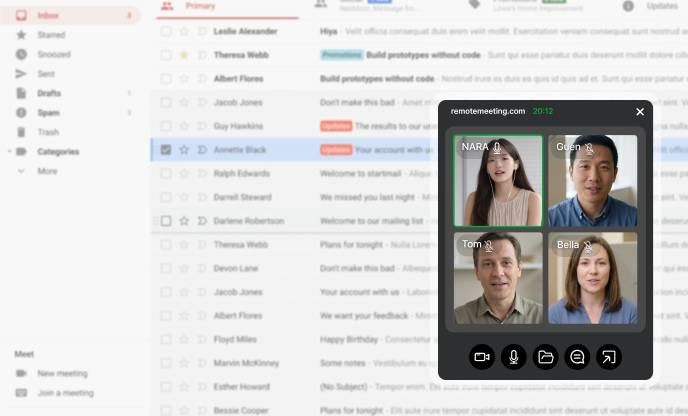
Video conferencing PiP mode for mutlitasking

Compact View for Easy
Multitasking

Keep the meeting in view (PiP mode) while
working on other tasks.
Stay productive
without missing important
discussions.
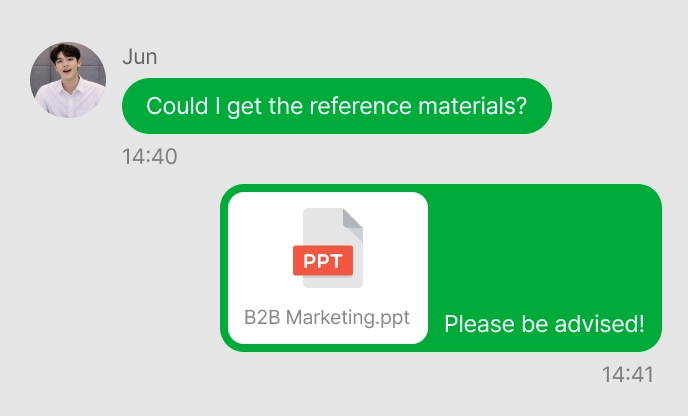
Real-time file sharing in chat

Easy File Sharing in Chat

Share files directly from the chat window.
Keep your workflow moving without
interrupting the conversation.

Reliable large-scale meetings for
organizations of any size.

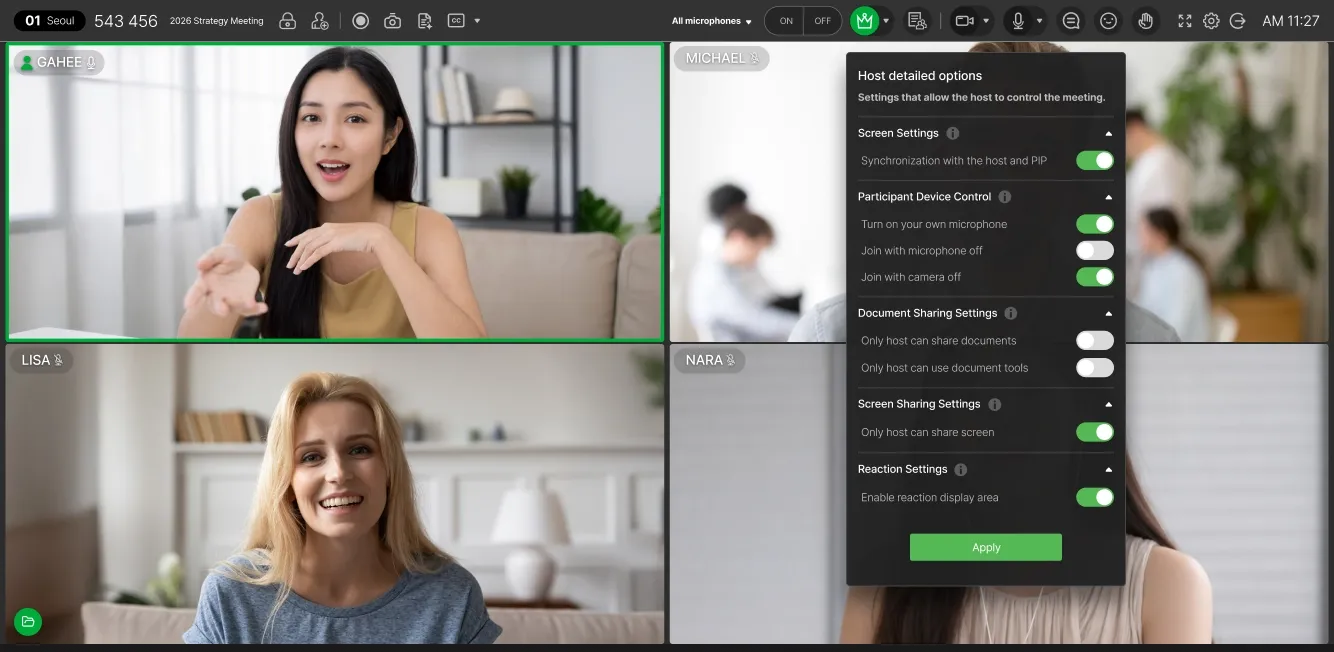
Meeting host control features

Powerful Meeting Controls

Moderator can manage participants’ audio, video,
and screen sharing. Keep meetings organized, even
with large groups.
Access control & security settings

Meeting Access Control

Prevent uninvited participants from joining with
Waiting
Room and meeting lock features.
Large-scale video meeting

Flexible Meeting Sizes

Support reliable large-scale meetings.
Run everything from group meetings to town halls
and business briefings.

Powerful security
with proven
technology for flawless meetings.

End-to-End encryption

End-to-End Encryption

Meeting data is protected with end-to-end
encryption,
including HTTPS, TLS 256-bit,
DTLS, and AES.
IP whitelist access control

Whitelist-based Access Control

Unauthorized IP access is blocked through
whitelist-based
access control.
Automatic shared file deletion

Data Leakage Prevention

In accordance with company security
policies, screen
capture and recording are
restricted, and shared documents
are
automatically deleted when the session
ends.
Meeting timeline & logs

Meeting History Management

Meeting recordings, screenshots, and
meeting notes
are stored in a timeline format
to support audit and
compliance
requirements.
Advanced security technology
Before adopting a video
conferencing platform,
ensure it's
the right fit for your organization.
  • Q.Does the video meeting platform
    support multiple languages?
    RemoteMeeting provides menus, notifications, and features in natural English, Korean, and Japanese. It also offers AI-powered captions and translation in multiple languages based on the language settings of the user's operating system. Designed for businesses, public institutions, and individual users alike, RemoteMeeting makes video meetings easy and accessible for everyone.
  • Q.Has the video meeting platform
    obtained recognized security
    certifications?
    Security is one of the most important considerations for enterprises and public institutions when adopting a video meeting platform.

    RemoteMeeting is a verified solution that has obtained internationally recognized information security certifications, including ISO/IEC 27001 and ISO/IEC 27017.
    It has also been designated as an innovative product by the Ministry of SMEs and Startups, officially recognizing its excellence in security and performance.

    With core security features such as encrypted data, voice, and video communications, as well as detailed log management,
    RemoteMeeting helps organizations comply with internal security policies and regulatory requirements.
  • Q.Is the video meeting platform used by
    enterprises?
    RemoteMeeting is a video meeting platform used by thousands of enterprises and public institutions.

    Major public organizations—including the Financial Institute, the National Police Agency, and the Ministry of Justice—use RemoteMeeting, as do global companies with strict security requirements such as Samsung C&T, POSCO, and AIA. These organizations rely on RemoteMeeting to support secure and efficient collaboration.
  • Q.Does the video meeting platform
    provide features required for
    enterprises?
    RemoteMeeting provides not only convenient features for participants but also a wide range of host-focused capabilities to help organizations run meetings reliably. These include:
    • Moderator mode
    • Force mute/unmute (On/Off)
    • Active speaker highlighting
    • Real-time AI captions and translation
    • Screen sharing and file sharing (Shared Folder)
    • Meeting recording and meeting minutes management
    • Support for multiple operating systems and devices
    • Large-scale meetings and online events with up to 500 participants
  • Q.Does the video meeting platform offer
    deployment options that fit your
    organization?
    RemoteMeeting offers flexible deployment options to fit an organization's infrastructure, including cloud (SaaS) and hardware-based installations. Through API integration, it can also connect with existing systems, allowing employees to join meetings without creating separate accounts. On-premise deployment may also be available depending on the region.
  • Q.Does the video meeting platform offer
    pricing plans based on organizational
    usage and user types?
    RemoteMeeting offers flexible pricing plans designed to fit different organizational needs. Depending on team size, meeting frequency, and operational requirements, organizations can choose from usage-based pricing, monthly subscriptions, or custom pricing if necessary.

    • BASIC plan
      Charges are based on actual meeting usage time. Suitable for small teams or startups with irregular meeting frequency.
    • Pay per User plan
      Charges are based on the number of users per month. Ideal for enterprises and public institutions that hold frequent meetings, with options to select the number of user IDs or packages depending on employee size.
    • Business Plan
      A custom plan tailored to your organization. Contact us at gb_sales@rsupport.com , and we will work with you to provide optimized pricing for your organization.
Adopt AI-powered video
meetings
today.
Companies are already saving time with
AI-powered video meetings.
Redefine productivity with RemoteMeeting.
Contact Us